New: Gemini July — Free Gemini training for your whole team in July →
Skip to content
Live LearningCo
For IT Teams
Drive adoption & reduce tickets
For Learning Teams
Scale training without headcount
Policy to Practice
Turn AI policies into capabilities
Technology Migration
Dedicated rollout support
Gemini July
Free Gemini training — July 2026
Microsoft Month
Free Microsoft training — May 2026
LMS Integration
Courses
Live Learning
ScheduleTrainers
Learning for Good
Free training for VCSE organisations
BlogCase Studies
PricingAbout
Free TrialBook a Demo
Live LearningCo

Live expert training for enterprise teams. Close the gap between software investment and real adoption.

Solutions
  • For IT Teams
  • For L&D Teams
  • Policy to Practice
  • Technology Migration
  • LMS Integrations
  • For Enterprise
  • Pricing
Courses
  • Microsoft 365
  • Google Workspace
  • AI & Copilot
  • View All
Company
  • About
  • Careers
  • Case Studies
  • Blog
  • Contact
  • Learning for Good
© 2026 Live LearningCo. All rights reserved.
Privacy PolicyTermsCookies
HomeCoursesMicrosoft CopilotGetting Started with Copilot Pro
Microsoft Copilot

Getting Started with Copilot Pro

1 hour
Live
All levels
Next: 2026-06-26
Book a SessionRequest Team Booking

About this course

Copilot Pro Fundamentals: Using the Chatbot

Get a kickstart at interacting with your new AI Assistant.

Duration 60 minutes
 Level Beginner
 Completion Certificate + Badge

Course Overview

               This webinar introduces users with a full Copilot license to the powerful, Microsoft 365‑grounded capabilities of Copilot Chat and Copilot Pages. Participants will learn how Copilot uses their organisational data such as files, emails, meetings, and Teams chats to deliver accurate, contextual support while maintaining enterprise‑grade security and permissions.            

The session explores how to create effective grounded prompts, search and summarise organisational information, draft and refine content, and turn AI‑generated outputs into structured, reusable documents using Copilot Pages.

By the end of the session, attendees will understand the benefits of licensed Copilot, be confident in using Chat and Pages for daily workflows, and know how to apply grounded AI effectively and securely in their role.

Skills Gained

Grounded Prompting Copilot Pages Work Graph Integration Data Privacy & Security Content Refinement Information Synthesis

What You'll Learn

• Introduction to Copilot Pro - Understanding the difference between the Web version and your Work-grounded license.
• Work Grounding - Learn how to securely query your emails, files, and meetings to get instant answers.
• Copilot Pages - Discover how to turn ephemeral chats into durable, editable documents for collaboration.
• Prompt Engineering - Master the art of optimizing your prompts to get the best results from the AI.
• Security & Ethics - Understand how to use Copilot ethically and how it respects your organization's permissions.

Who Is This For?

This course is perfect for:

✓ Users with a paid M365 Copilot subscription
✓ Employees wanting to speed up information search and retrieval
✓ Teams looking to collaborate using Copilot Pages
✓ Anyone needing to draft or refine content efficiently

Prerequisites

Account Required. This session is specifically for users who do have a paid M365 subscription for Copilot. The features demonstrated (Work Graph, Pages) are not available in the free version.

Upon Completion
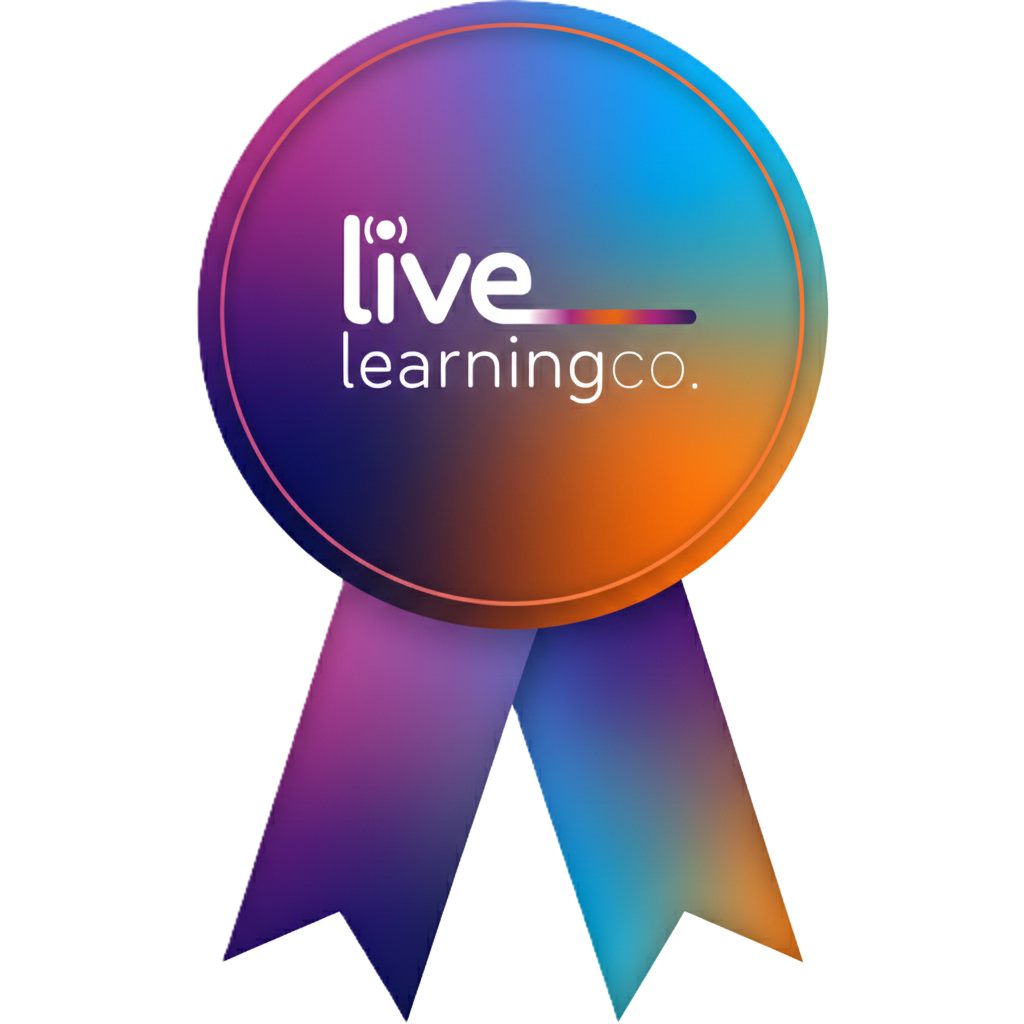
Digital Badge

Digital Badge

Show off your achievement with a digital badge
Certificate of Completion

Certificate of Completion

Official Certificate to showcase your completion

You might also like

Browse all courses
Copilot Essentials for Sales and Business Development

Copilot Essentials for Sales and Business Development

Live
Copilot Essentials for People Managers

Copilot Essentials for People Managers

Live

Upcoming live sessions

Jun
26
11:30 GMT
Live Session Jake Hall
Book Session
Jul
15
10:30 GMT
Live Session Jake Hall
Book Session
Aug
3
15:00 GMT
Live Session Jake Hall
Book Session

Frequently asked questions

Next Session
2026-06-26
Live
Book a SessionRequest team booking
Live interactive session
Expert certified trainer
Certificate of completion

Need help?

Not sure if this course is right for your team? Our learning specialists can help.

Chat with an expert
Copilot Essentials for Project Management

Copilot Essentials for Project Management

Live